
Plan Before You Pay
Fall back in love with planning your wedding.
16 short video lessons and a ready-to-use planner that show what's booked, what's paid and what's next. So money stops keeping you up at night, and you get to enjoy being engaged.
Get the course + planner · $19- Instant access
- 7-day money-back guarantee
- Google Sheets or Excel
Does this sound familiar?

The quote that looked cheaper… until delivery and setup were added.
The deposit you're pretty sure you paid. Probably.
The vendor who needs an answer by Friday.
The budget talk that somehow turns into a fight.
You're not bad with money. Wedding pricing is confusing, and nobody hands you a system.
45% of couples say managing wedding spending is the most stressful part of planning.1
See how it works in 48 seconds
A quick look at the planner and the lessons. Sound on, or read the captions.

Now picture your wedding day.
Every vendor booked. Every deposit paid, with the date written down. No surprise bill waiting at home.
You're not doing math in your head. You're just there, with the person you love.
I want that calm · $19How it works
One small step at a time. No finance background needed.
- 1
Watch a short lesson
2 to 5 minutes, with captions. Each lesson shows one clear step, like comparing two quotes line by line.
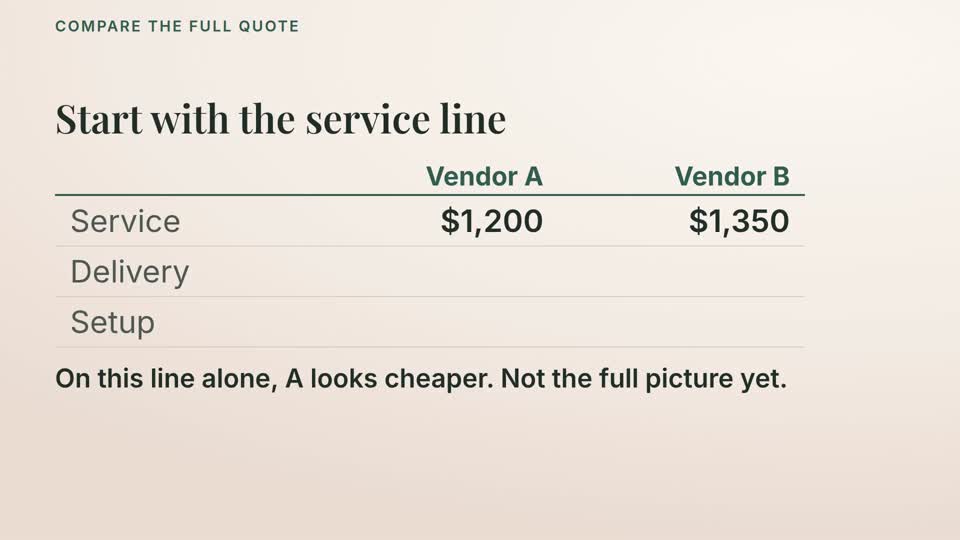
From the lesson “Compare the full quote” · fictional example - 2
Do that step in your planner
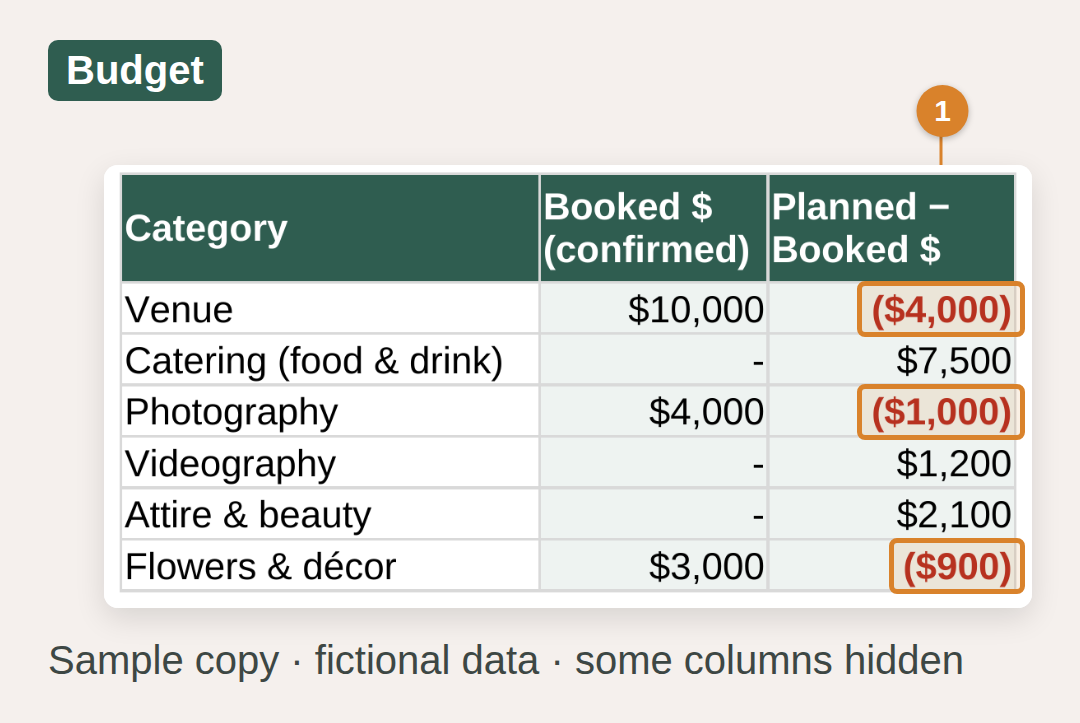
Enter your real numbers. The planner adds them up and flags in red any category where you've booked more than you planned.
- 3
Always know what's next
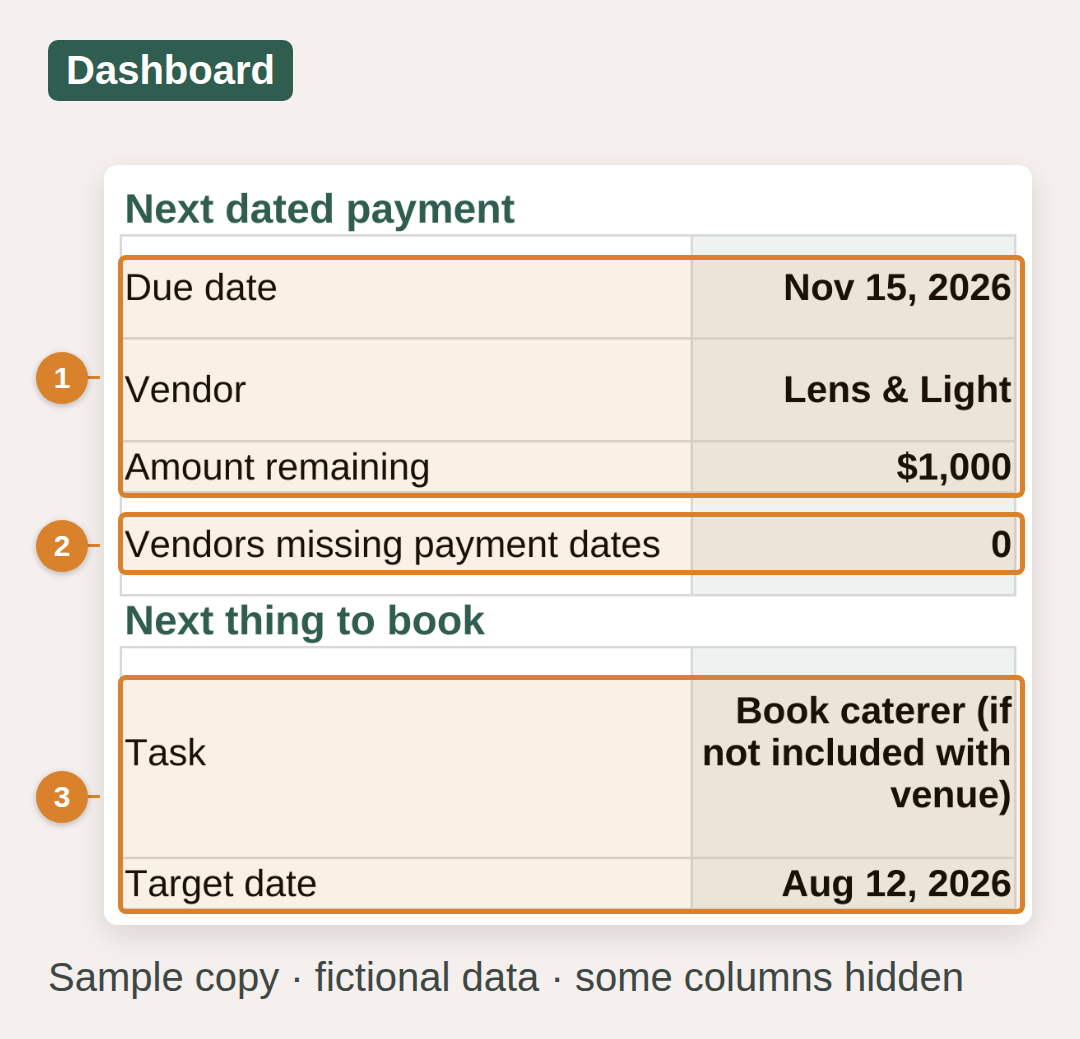
Your Dashboard shows the next payment with its date, any booked vendor missing a date, and the next thing to book.
From scattered to sure
Right now
- Quotes buried in your inbox
- Guessing what's paid and what's owed
- Budget talks that end in tension
- “What should we book now?”
After the course
- One clear number you both agreed on
- Every payment with a date and a status
- Money decisions you make together
- Your next step, always on screen

Plan it together. Skip the money fights.
One in four couples disagree about the wedding budget. Module 2 helps you pick your shared priorities first, then talk about money one decision at a time.
Share the planner in Google Sheets and you both see the same numbers, from the same place.
What you'll learn: 6 modules, 16 lessons
Each lesson is 2 to 5 minutes (about 47 minutes in total), with English captions and the steps written out below the video. Most end with a short practice and a separate answer key.
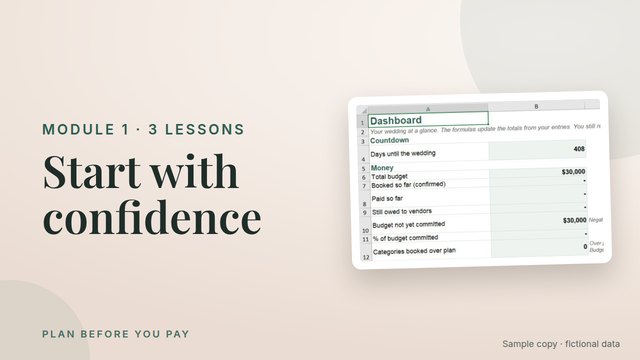
1 · Start with confidence
- Your plan, one clear step at a time
- Set up your planner in Google Sheets
- Set up your planner in Excel
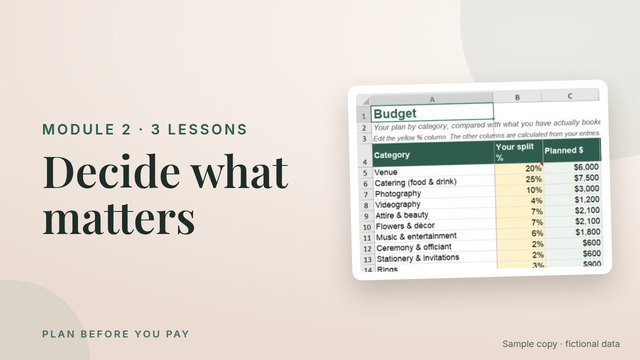
2 · Decide what matters
- Choose your shared priorities
- Build a budget from confirmed money
- Talk about money, one decision at a time
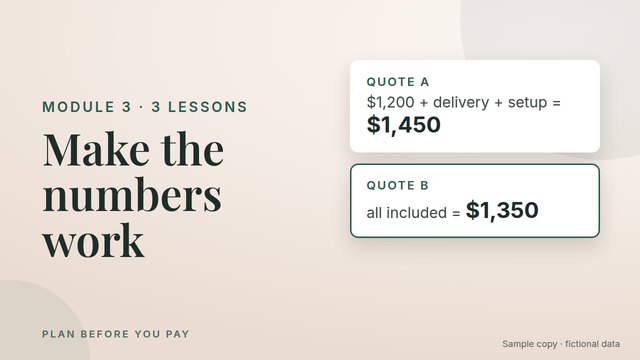
3 · Make the numbers work
- Allocate your budget and read the warning
- Compare the full quote
- Adjust the plan without rewriting your commitments
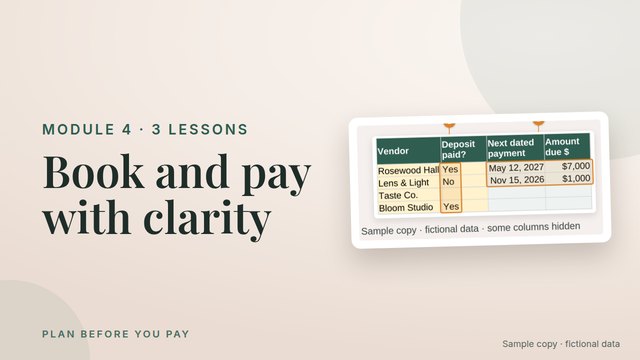
4 · Book and pay with clarity
- Before you pay a deposit
- Record a booking and track your payments
- Keep guest changes connected to vendor questions
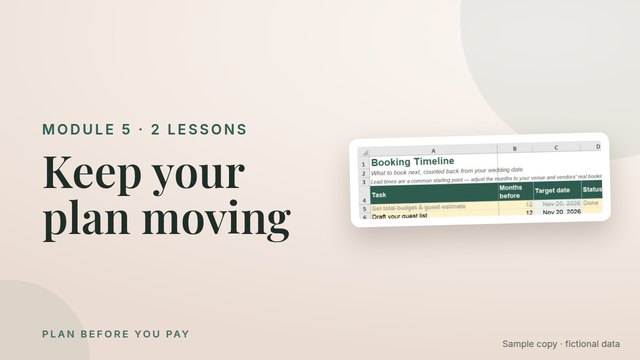
5 · Keep your plan moving
- Make your timeline yours
- Your weekly reset
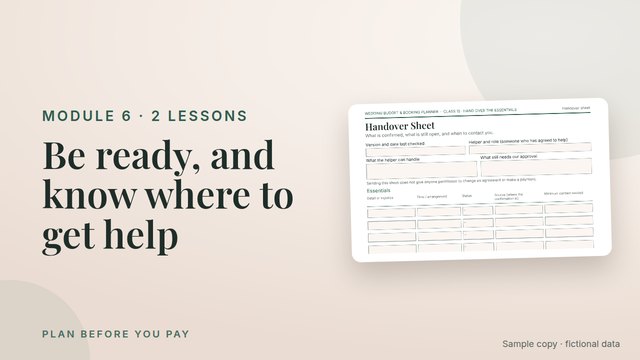
6 · Be ready, and know where to get help
- Hand over the essentials
- Fix a problem and find your next step
Covers show the sample copy with fictional data.
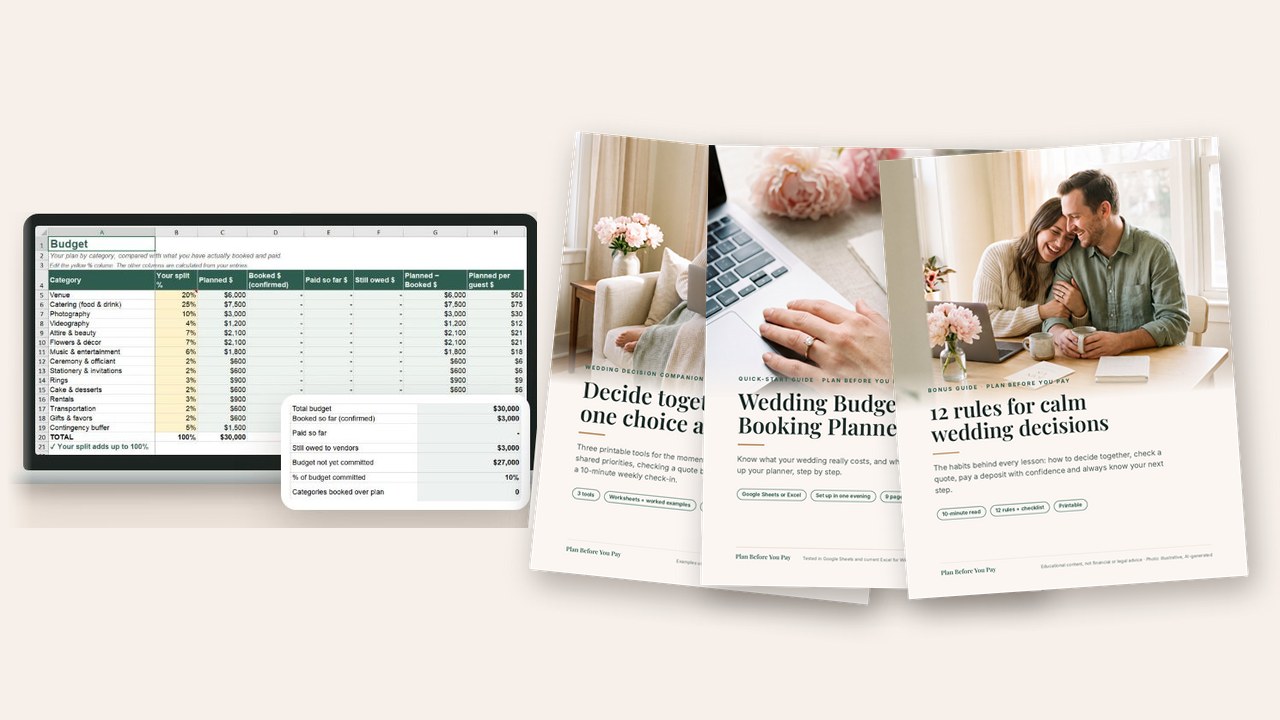
Everything you get today
- 16 video lessons in 6 modules (about 47 minutes)
- Wedding Budget & Booking Planner (Google Sheets + desktop Excel)
- Practice files with separate answer keys
- Sample planner with fictional data
- Quick-start guide (PDF) and Wedding Decision Companion (PDF)
- Bonus: 12 Rules for Calm Wedding Decisions (PDF guide)
- Instant access in the Hotmart members area
Access by email once your payment is approved · Secure checkout processed by Hotmart
7-day money-back guarantee
Try it for a week. If it isn't for you, get your money back through Hotmart.
Frequently asked questions
Is this a course or a template?
Both. 16 short video lessons, plus the planner they teach. Watch a step, then do it in your own copy.
How long does it take?
The lessons add up to about 47 minutes. You can set up your planner in one evening, then check in for 10 minutes a week.
Do I need to be good with spreadsheets?
No. You type in yellow cells; the planner does the math. Google Sheets (free) or desktop Excel for Windows. Excel for Mac and phone apps aren't tested yet.
Can I use it on my phone?
Watch the lessons anywhere. Use the planner on a computer.
Will it tell me what vendors cost?
No. It doesn't guess prices. You enter your real quotes, and it tracks them against the budget you choose.
Who is the host in the videos?
An AI-generated virtual host introduces some lessons. The steps are real screen demos of the planner, with fictional examples.
What if it's not for me?
Ask for a refund through Hotmart within 7 days. It's a one-time payment of $19, not a subscription.

Your wedding. Your budget. Your calm.
Start tonight. Your first lesson takes two minutes.
Instant access · 7-day money-back guarantee